The blue cloud is not where your files live.
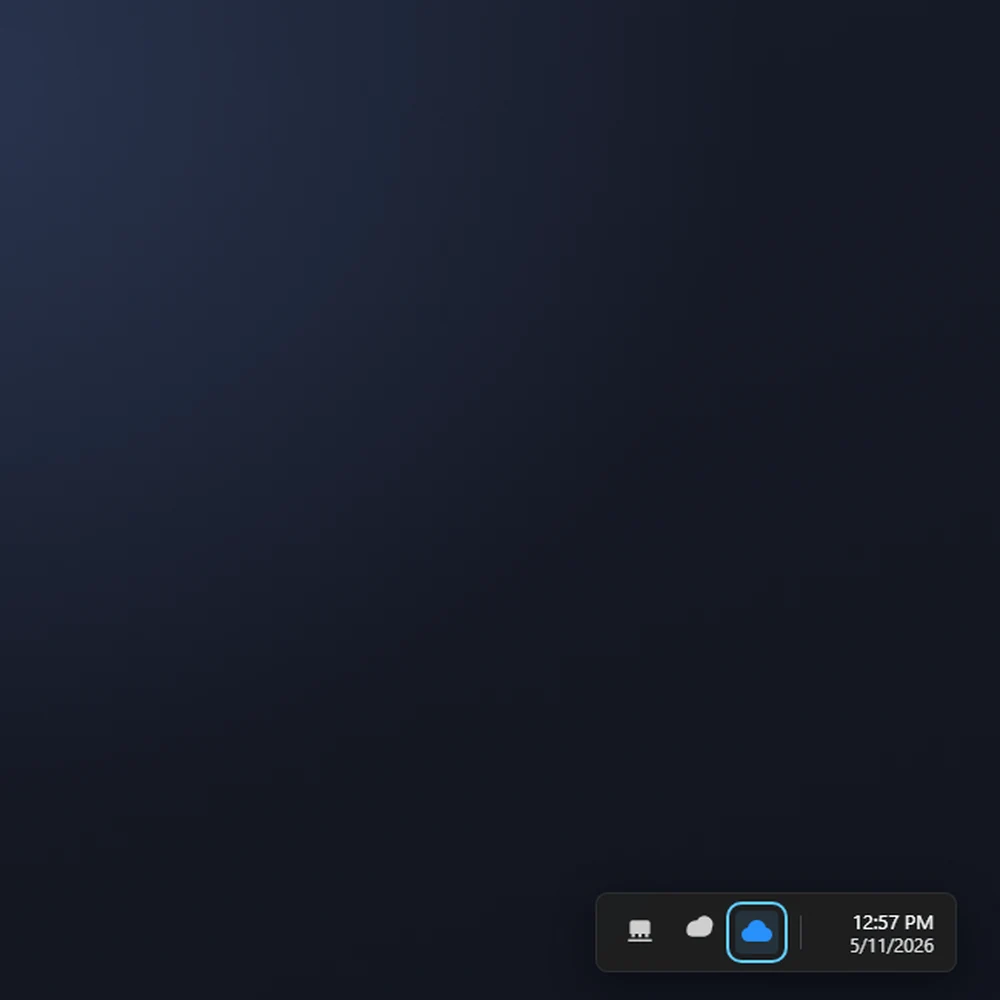
There's a blue cloud in the corner of your screen. Most people assume that's where the files live. It isn't. It's the OneDrive app, which is a courier. It shows your Microsoft 365 files in File Explorer and ferries changes back and forth. Hard worker, owns nothing.
House, room, safe, van
Four things. That's the whole model.
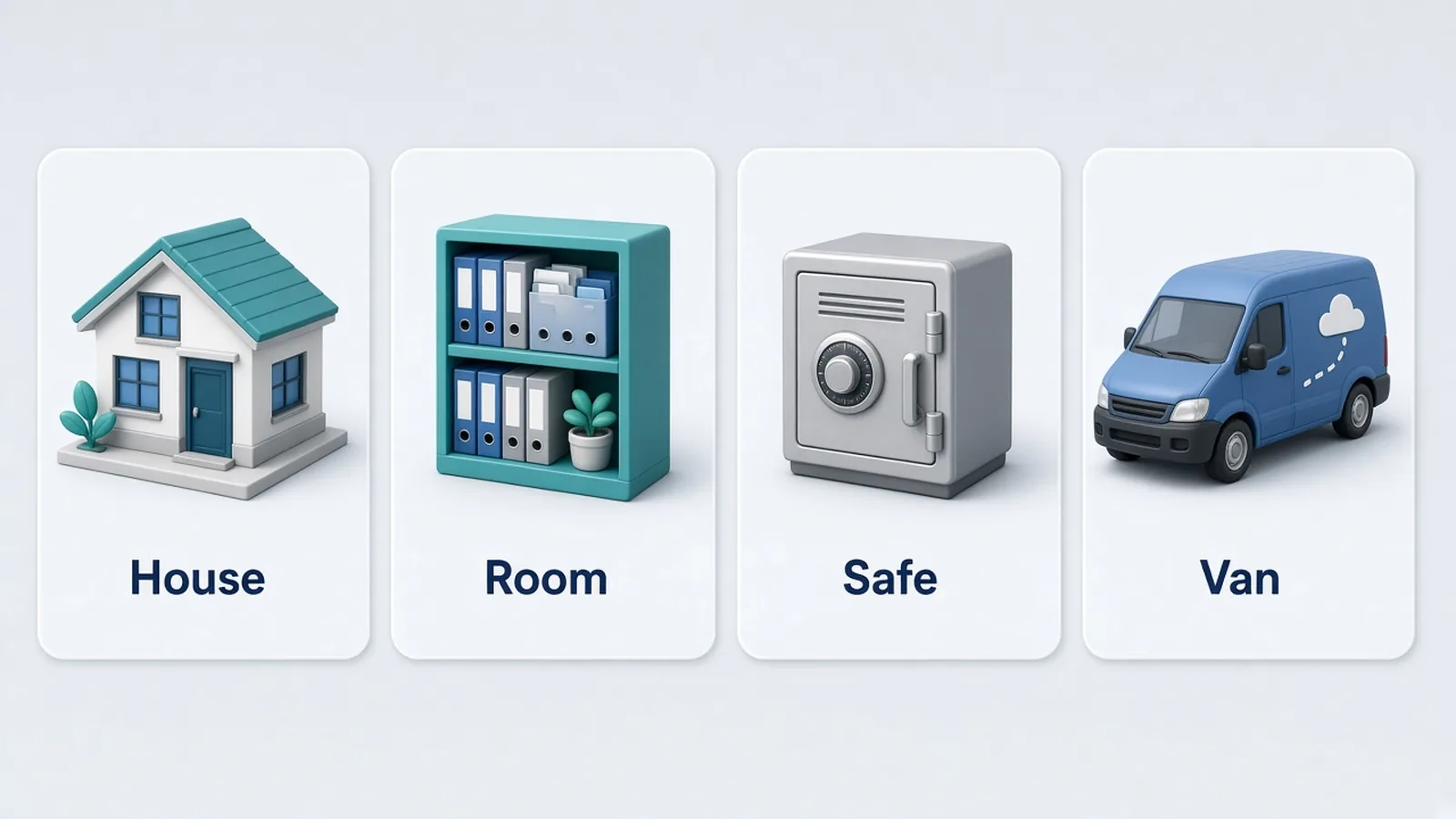
House: a Team. People come and go. The house stays.
Room: the Team's files. The Files tab is a SharePoint library, not a secret attic hiding inside Teams. Channels are cupboards in the same room. When someone says "it's in Teams", they mean this room. Teams is the front door and the group chat in the hallway. SharePoint is the filing.
Safe: your OneDrive. Great for drafts and notes that are genuinely yours. When you leave, the safe is locked and your key is taken away. It does not travel with you. If the only copy was inside, the business just lost day-to-day access to it.
Van: the blue cloud. Not another cupboard. It delivers the room or the safe to your PC, but it owns neither.
One slightly boring truth: your OneDrive is a private room in the same SharePoint building, with your name on the door. We call it a safe because when you leave it locks, and the rest of the team no longer has a key.
What belongs in the safe
Drafts. Working notes. The half-finished thing you're not ready to put on the shared shelf.
Not the only copy of client work, accounts, templates, or "the folder everyone uses". If a colleague needs it while you're on leave, it can't live only in your safe.
Sync, and the skyscraper
There are two ways to put a shared room on your computer.
Sync adds the library to File Explorer as its own place, under your organisation's building icon. That's the skyscraper. It sits outside "my files", so it feels like the office, and people treat folders that look like company property with more respect. It's the same reason nobody eats lunch off the boardroom table.
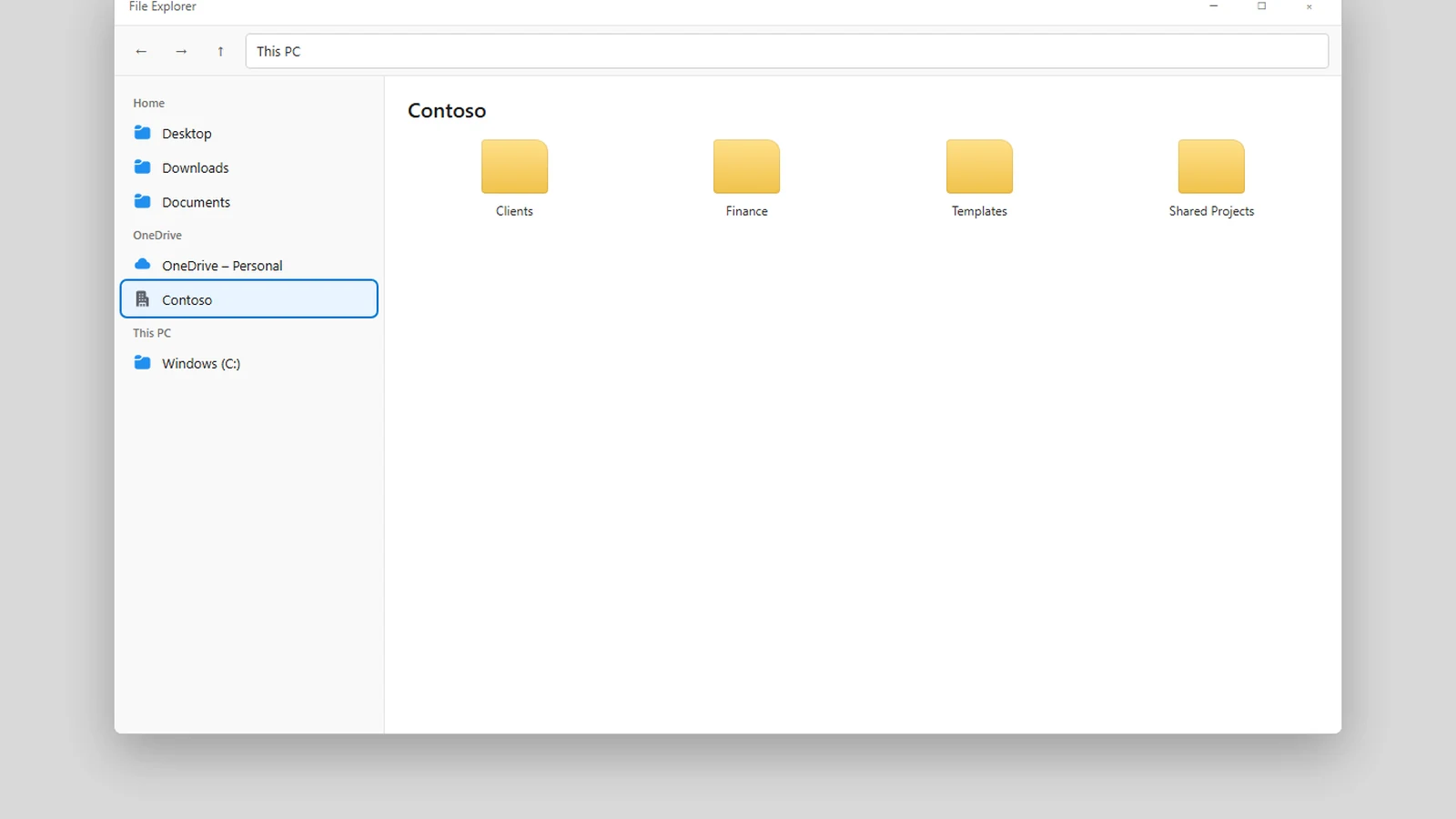
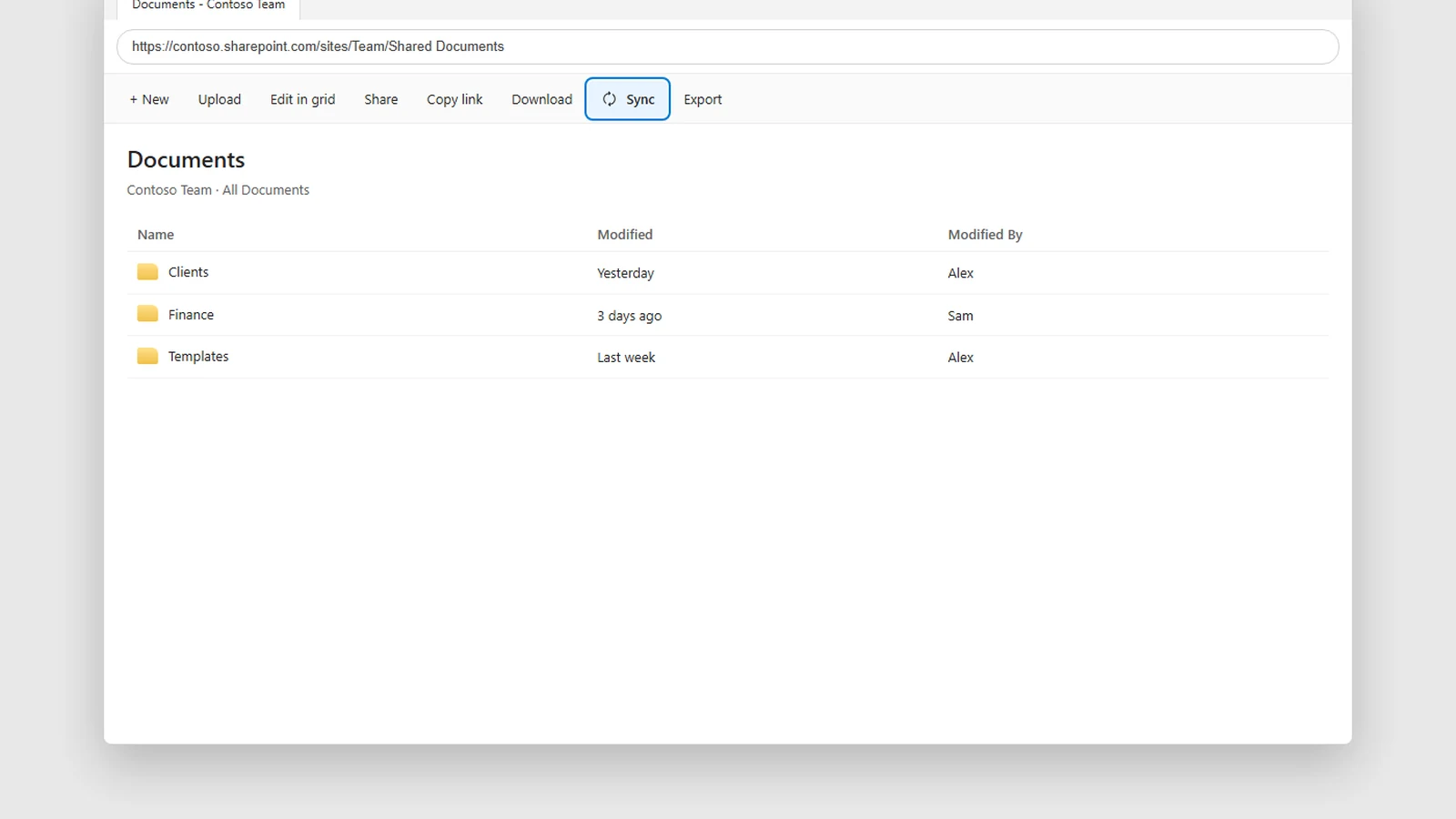
We usually suggest Sync for that reason. The catches:
- A library sometimes drops off. Adding it again usually picks up what changed. Usually.
- A new computer starts blank. You sync each library again.
Add shortcut to My files puts a door inside your safe that opens into the shared room. Sign in on another computer and the shortcut follows you, which is handy if you hop between machines.
The only warning is a tiny shortcut icon. The folder still looks like it lives in your house. It doesn't. Delete or move a file there and you've rearranged the room for everyone. When you leave, that door disappears with your access. The room stays.
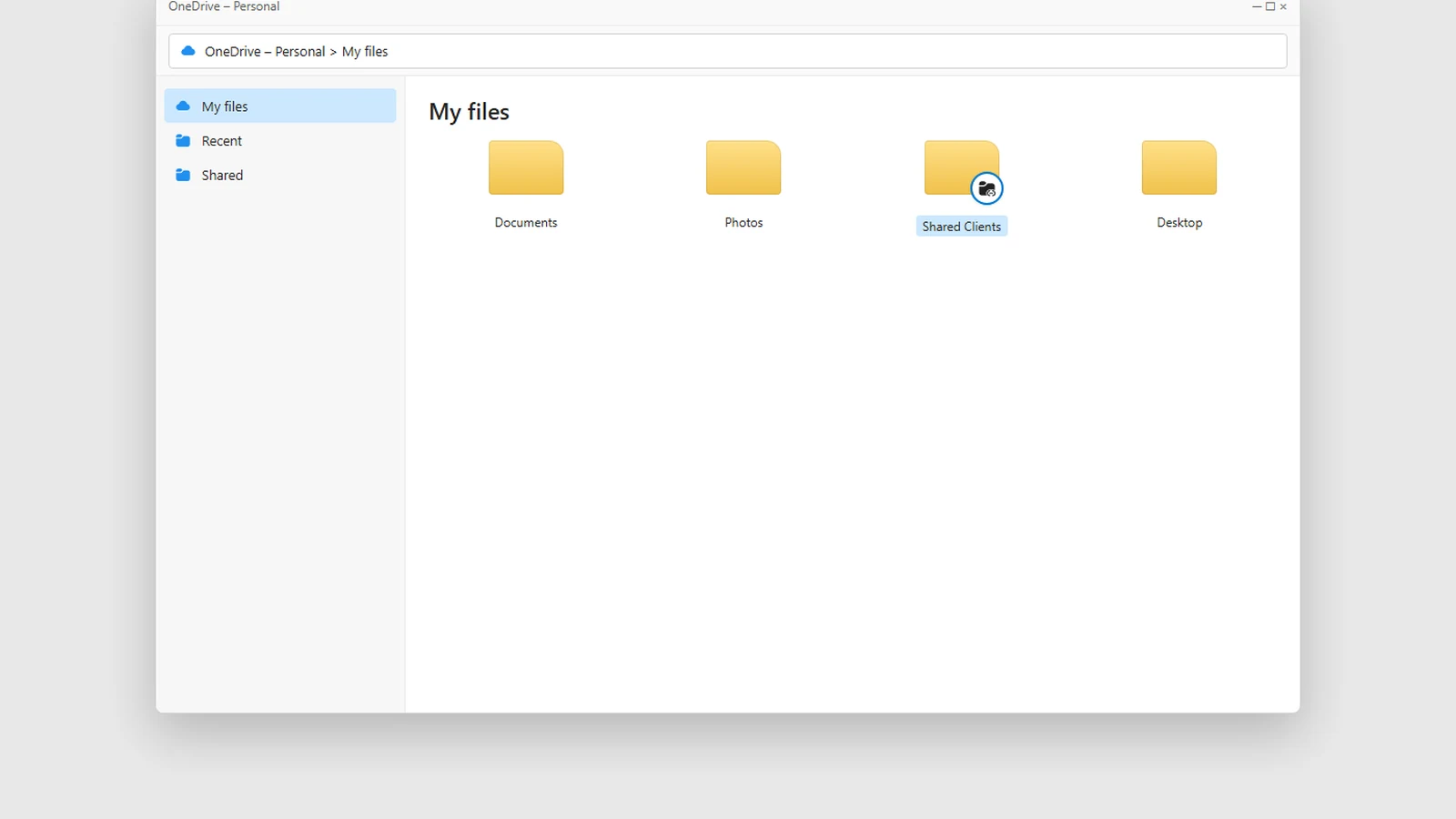
Pick one. Sync and a shortcut to the same library shows every file twice, and then you spend an afternoon arguing with yourself.
Sync is also not a backup. It's a live view of the same files, so a deletion syncs just as faithfully as a save. Copies that survive a proper "oops" are a different job: Backups for Smart People.
When someone leaves
The house stays. The rooms stay. The safe is locked.
An admin can usually still open a leaver's OneDrive for a while. That's a rescue, not a filing system.
Shortcuts they added disappear with their access. A Sync on their old laptop is just files on a machine you should wipe. The Team library is still there, doing its job.
If the client folder only ever lived in their safe, you're doing archaeology. Move shared work into the room before that Tuesday.
The bottom line
SharePoint is where the files live. A Team is a house. Its files are a room. OneDrive is a safe. The blue cloud is the courier.
Sync puts the room under the skyscraper. Shortcuts follow you around, and that little icon means "not your furniture".
Shared work belongs in the room. If the only copy is in someone's safe, the team is already locked out of it.
Want the Teams, libraries and Sync set up so people stop guessing? We can do that. The furniture is already in Microsoft 365. ☁️